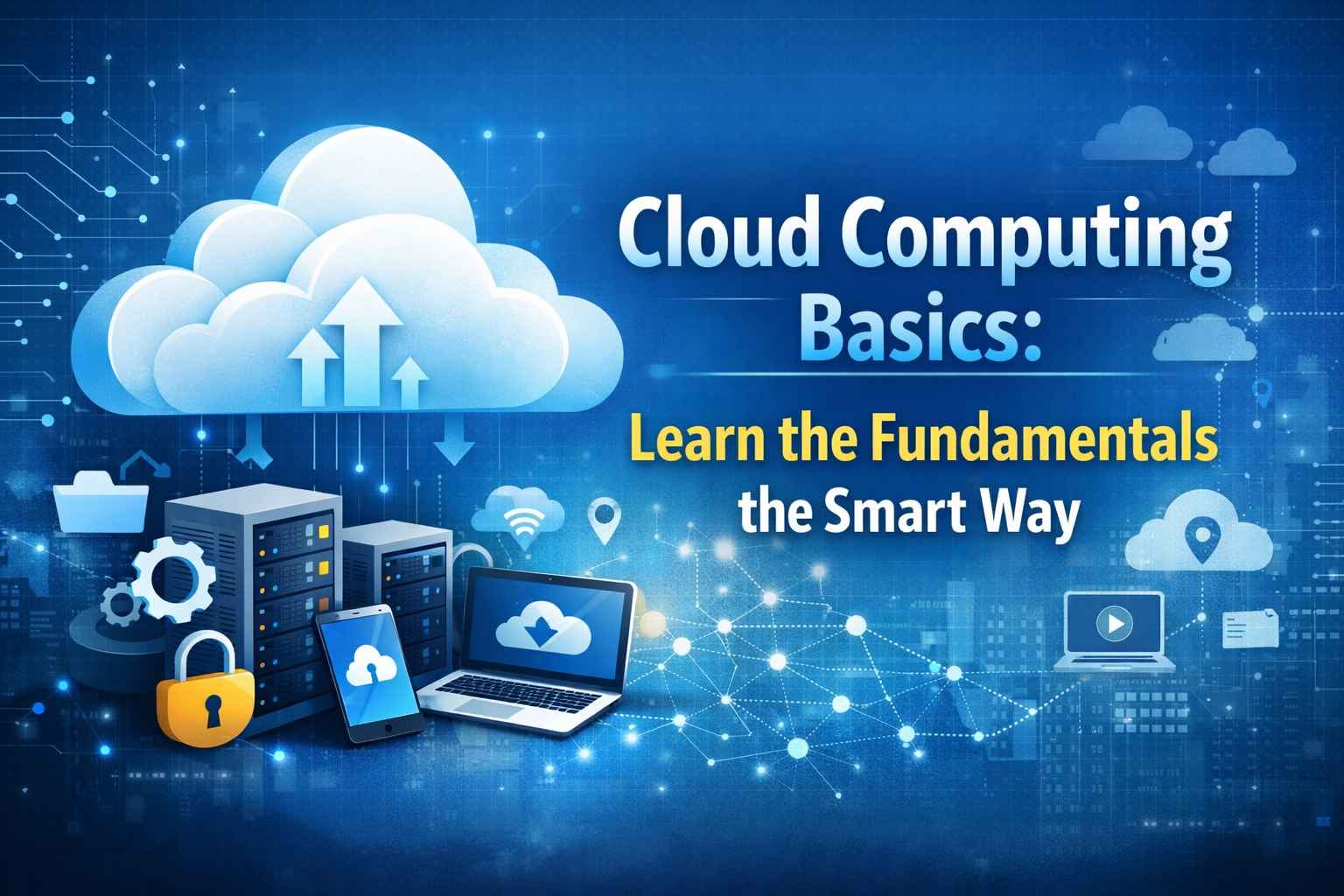

Cloud computing has become the backbone of modern technology. From streaming movies and storing photos to running business applications, the cloud powers many services we use every day. If you’re new to this concept, don’t worry. This guide explains cloud computing basics in a smart, easy-to-understand way—no technical background required.
What Is Cloud Computing?
In simple terms, cloud computing means using the internet to access computing resources instead of relying on your own physical computer or local server. These resources can include storage, software, databases, networking, and servers.
Instead of installing software on your device or buying expensive hardware, you can use cloud services on demand. You only pay for what you use, which makes cloud computing flexible and cost-effective.
How Cloud Computing Works
Cloud computing works through a network of remote data centers managed by cloud service providers. These data centers contain powerful servers that store data and run applications.
When you upload files to cloud storage or use a cloud-based app, your data is sent to these servers via the internet. You can then access it anytime, from anywhere, using a laptop, smartphone, or tablet.
This model removes the need for maintaining physical infrastructure and allows businesses and individuals to scale their resources easily.
Types of Cloud Computing
Understanding the main types of cloud computing is an important part of learning the fundamentals.
1. Public Cloud
Public cloud services are provided by third-party companies and shared among multiple users. Examples include Google Drive, Microsoft Azure, and Amazon Web Services (AWS). This option is affordable and easy to use.
2. Private Cloud
A private cloud is dedicated to a single organization. It offers better control and security, making it ideal for large businesses with sensitive data.
3. Hybrid Cloud
A hybrid cloud combines public and private clouds. It allows organizations to keep critical data private while using public cloud resources for everyday tasks.
Cloud Computing Service Models
Cloud services are generally offered in three main models:
Infrastructure as a Service (IaaS)
IaaS provides virtual servers, storage, and networking. Users manage operating systems and applications while the provider handles the hardware.
Platform as a Service (PaaS)
PaaS offers a development platform where developers can build and deploy applications without worrying about infrastructure management.
Software as a Service (SaaS)
SaaS delivers ready-to-use software through a browser. Examples include Gmail, Zoom, and Dropbox.
Benefits of Cloud Computing
Cloud computing is popular because of the many advantages it offers:
- Cost Savings – No need to buy or maintain expensive hardware
- Scalability – Increase or decrease resources as needed
- Accessibility – Access data from anywhere with an internet connection
- Automatic Updates – Software and security updates are handled by providers
- Improved Collaboration – Teams can work together in real time
These benefits make cloud computing ideal for businesses, students, and individuals alike.
Common Uses of Cloud Computing
Cloud computing is used in almost every industry today. Some common use cases include:
- Data storage and backup
- Web and mobile app development
- Online learning platforms
- Business analytics and reporting
- Artificial intelligence and machine learning
Even social media platforms and streaming services rely heavily on cloud infrastructure.
Cloud Computing Security Basics
Security is a common concern for beginners. Cloud providers use advanced security measures such as encryption, firewalls, and regular audits to protect data.
However, users also play a role in security. Using strong passwords, enabling two-factor authentication, and understanding access controls are essential cloud computing basics everyone should follow.
Who Should Learn Cloud Computing?
Cloud computing is not just for IT professionals. It’s useful for:
- Students exploring tech careers
- Business owners managing online operations
- Developers building applications
- Non-technical users using cloud-based tools
Learning cloud computing fundamentals opens doors to many career opportunities and helps you understand how modern technology works.
Getting Started the Smart Way
To start learning cloud computing smartly:
- Understand basic concepts and terminology
- Try free cloud services like Google Drive or AWS Free Tier
- Learn one platform at a time
- Practice with real-world examples
- Stay updated with cloud trends
Final Thoughts
Cloud computing is no longer optional—it’s essential. By learning cloud computing basics the smart way, you build a strong foundation for future tech skills. Whether you want to boost your career or simply understand the technology behind everyday apps, cloud computing is a great place to start.